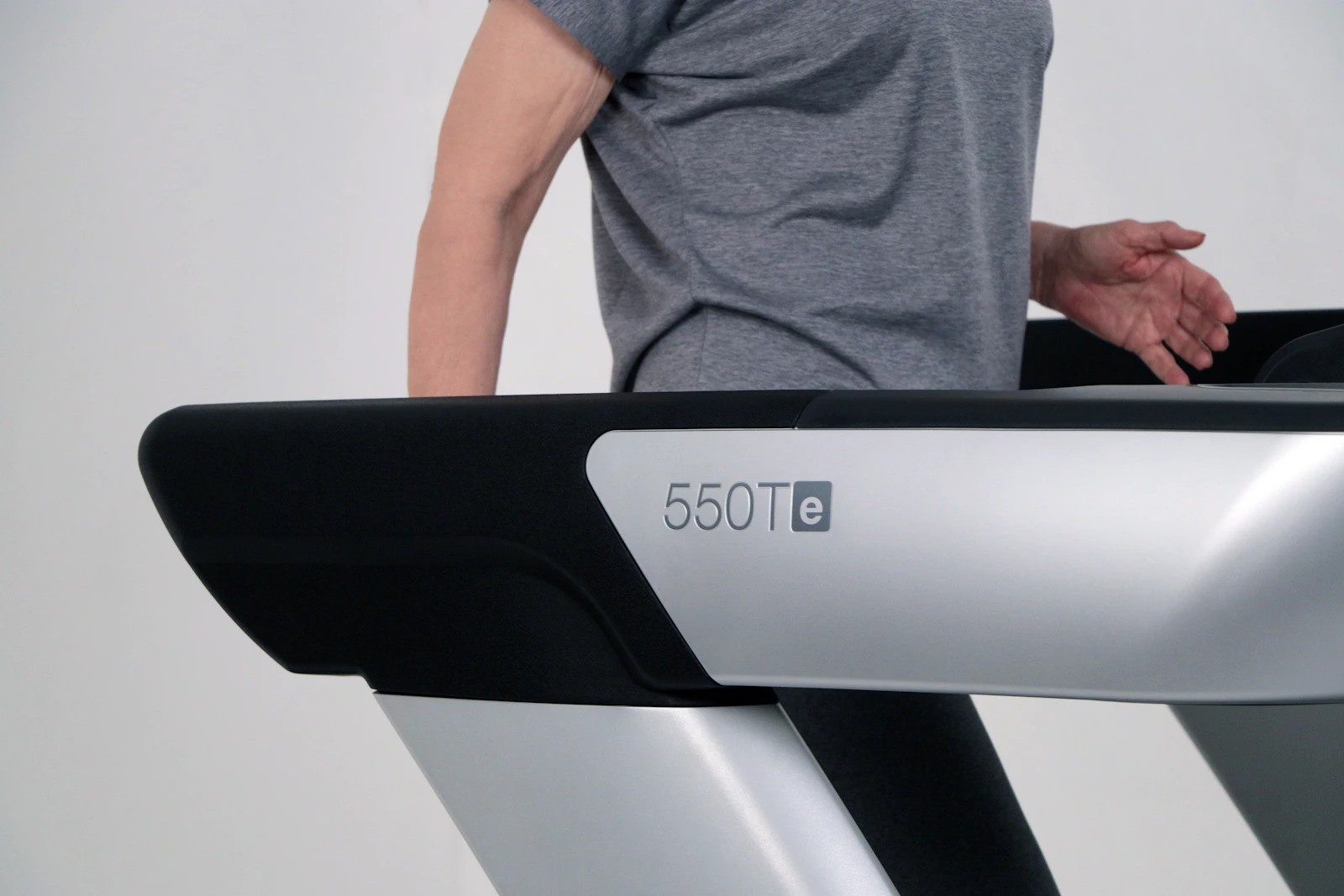
A walking pad can make it easier to add gentle movement to a home office or small living space, but the compact footprint does not make every model suitable for every person or room. Belt dimensions, stability, motor design, speed controls, noise, weight capacity, storage and safety features all affect whether you will use the machine comfortably. A low price or a high advertised weight limit is not enough to judge a walking pad. This guide explains what to compare before buying, how to check the space around your desk and how to avoid paying for features that do not match your routine.
As an Amazon Associate, Winomax earns from qualifying purchases.
Explore walking pad options and accessories on Amazon
Under-desk walking pads
Treadmill floor mats
Standing desk converters
Table of Contents
1. Walking pad basics: understand what the machine is designed to do
A walking pad is a compact treadmill designed mainly for walking rather than running. Many models are low-profile and do not include the tall console or handrails found on a conventional treadmill. Some are intended to slide under a desk, while others have a folding handle or a small upright control bar. The design can save space, but it also changes how the machine is used. You may have less support, a shorter belt and fewer controls within easy reach.
A walking pad is not simply a smaller version of every full-size treadmill. Its intended speed range, motor duty cycle, belt dimensions and user-support features may be different. Check the manufacturer’s description and manual to see whether the model is intended for under-desk walking, casual home exercise or both. Do not assume that a machine with a compact frame can safely handle jogging or running unless the manufacturer explicitly rates it for that use.
Think about your main goal. If you want to walk slowly while reading or handling simple computer tasks, an under-desk model may fit. If you want a brisk workout, need handrails or expect to use an incline, a traditional treadmill may be more appropriate. If you plan to alternate between desk work and walking, make sure the desk can be raised to a suitable height and that you can reach the controls without leaning or twisting.
A walking pad can support a more active routine, but it does not guarantee weight loss, better health or improved productivity. Those outcomes depend on many factors beyond the machine. Buy it as a piece of equipment that may make walking more convenient, not as a substitute for a balanced routine or professional health advice.
2. Choose the right belt size and stride room
Belt length and width are among the most important specifications because they determine how much room you have to place each foot. A narrow belt can feel restrictive, especially if you have a wider stance or tend to drift sideways. A short belt may require you to shorten your natural stride. The machine can still look compact in a product photo while feeling cramped during actual use.
Measure your usual walking stride and compare it with the usable belt area, not just the overall frame dimensions. The belt may be shorter than the deck because of the front and rear covers. Ask the manufacturer for the actual walking surface if the listing does not show it. Taller users often need more length to walk naturally, while users with a wider stance may prefer additional width. The right fit is personal, so do not rely on a single size recommendation.
Consider where your feet land when you look straight ahead. If you need to watch the belt continuously to stay centered, the machine may be too narrow or your walking speed may be too high for the task. A stable walking pad should allow a natural, comfortable step without forcing you to shorten every stride. If the belt edges are close to your shoes, slow down and reassess rather than trying to adapt by walking unnaturally.
Check the frame dimensions as well as the belt. The motor cover and side rails may make the machine wider or longer than the usable walking area. Leave clearance around the unit as specified by the manufacturer, especially behind the belt. Do not place the walking pad so close to a wall, desk leg or cabinet that you cannot step off safely.
3. Compare motor, speed and weight capacity
Motor power is often used as a headline selling point, but the number alone does not tell you how smoothly a walking pad will operate during your routine. Look for the motor rating and whether the manufacturer distinguishes continuous power from peak or marketing power. Continuous operation matters if you plan to walk for longer sessions. If the listing does not explain the rating, ask the seller or manufacturer rather than assuming two different wattage figures are directly comparable.
Speed range should match the way you plan to use the machine. A desk walker may need a low starting speed and small adjustments, while someone who wants a brisk walk may want a higher maximum. Check the increments: a control that changes speed in large jumps may be inconvenient when you are trying to find a comfortable pace. Also check whether the speed can be adjusted while walking and whether the remote is easy to reach.
Weight capacity is a safety and durability specification, not a performance score. Compare your body weight with the manufacturer’s stated maximum and leave a sensible margin rather than choosing a model that is barely rated for your current weight. The frame, belt and motor all experience repeated load. A product that lists a high capacity but has a narrow deck or poor stability may still be a poor fit.
Ask how the manufacturer defines the maximum user weight and whether the warranty changes when the unit is used continuously. Some machines are designed for intermittent home use, not all-day operation in a shared office. A walking pad that runs for a few minutes at a time may overheat or wear faster if used for long blocks. Read the manual for recommended session lengths, cooling periods and maintenance.
Incline is not a must-have feature for every walking pad. Some compact models have no incline, while others use a fixed incline or adjustable supports. An incline can change the effort and posture required, but it can also make the machine harder to store and may affect stability. Choose it only if the manufacturer supports the feature and you will actually use it. Do not raise a walking pad with improvised blocks or wedges.
| Specification | What to check | Why it matters |
|---|---|---|
| Walking surface | Usable belt length and width | Comfortable stride and room to stay centered |
| Motor | Continuous rating and session guidance | Sustained operation and heat management |
| Speed | Minimum, maximum and adjustment steps | Matching the machine to desk walking or exercise |
| Weight limit | Published maximum user weight | Safe use and expected durability |
| Safety | Emergency stop, remote, rails and clearance | Ability to start, stop and step off safely |
| Warranty | Motor, frame, parts and labor coverage | Repair cost and support after purchase |
Compare specifications only when they are defined the same way. A manufacturer may advertise peak motor power while another lists continuous power. One may quote the full frame width while another quotes the belt width. If the listing is unclear, treat the missing detail as a risk rather than filling it in with assumptions.
4. Evaluate stability and safety controls
A walking pad without handrails gives you less support than a conventional treadmill. It may be suitable for someone who walks steadily and can step off without assistance, but it may not be appropriate for a person with balance limitations, dizziness, reduced mobility or a need for hand support. If you are uncertain, compare a model with a handlebar or a traditional treadmill and seek guidance from a qualified professional before using the equipment.
Check how the machine starts and stops. A remote control should be easy to reach and responsive. Some models include an emergency stop or safety key; others rely on the remote or a power switch. Understand what happens if the remote is misplaced, the battery fails or the machine loses power. Do not buy a unit if you cannot identify a reliable way to stop the belt while walking.
Look for a stable frame, non-slip feet and a deck that does not rock when you step onto it. User reviews can help identify reports of wobbling, belt drift or uneven speed, but read them for patterns rather than relying on one complaint. A floor that is uneven or a mat that compresses too much can also affect stability. Follow the manufacturer’s placement instructions and do not use the machine on a soft rug unless permitted.
Keep the area around the belt clear. Move cords, desk chair legs, wastebaskets and pets away from the walking path. Do not step onto a moving belt at full speed. Start at the lowest setting, stand securely and increase speed gradually. When stopping, reduce speed and wait until the belt is stationary before stepping off. Keep children away from the machine when it is operating.
A compact machine can still create a fall or electrical hazard if it is used incorrectly or stored carelessly. Check current recall notices for the exact make and model before buying and again before use. In 2026, the U.S. Consumer Product Safety Commission warned consumers to stop using certain Sperax walking pads and treadmills because of reported fall, burn and fire hazards. That warning applies to the identified products, not every walking pad, but it shows why model-specific safety checks matter.
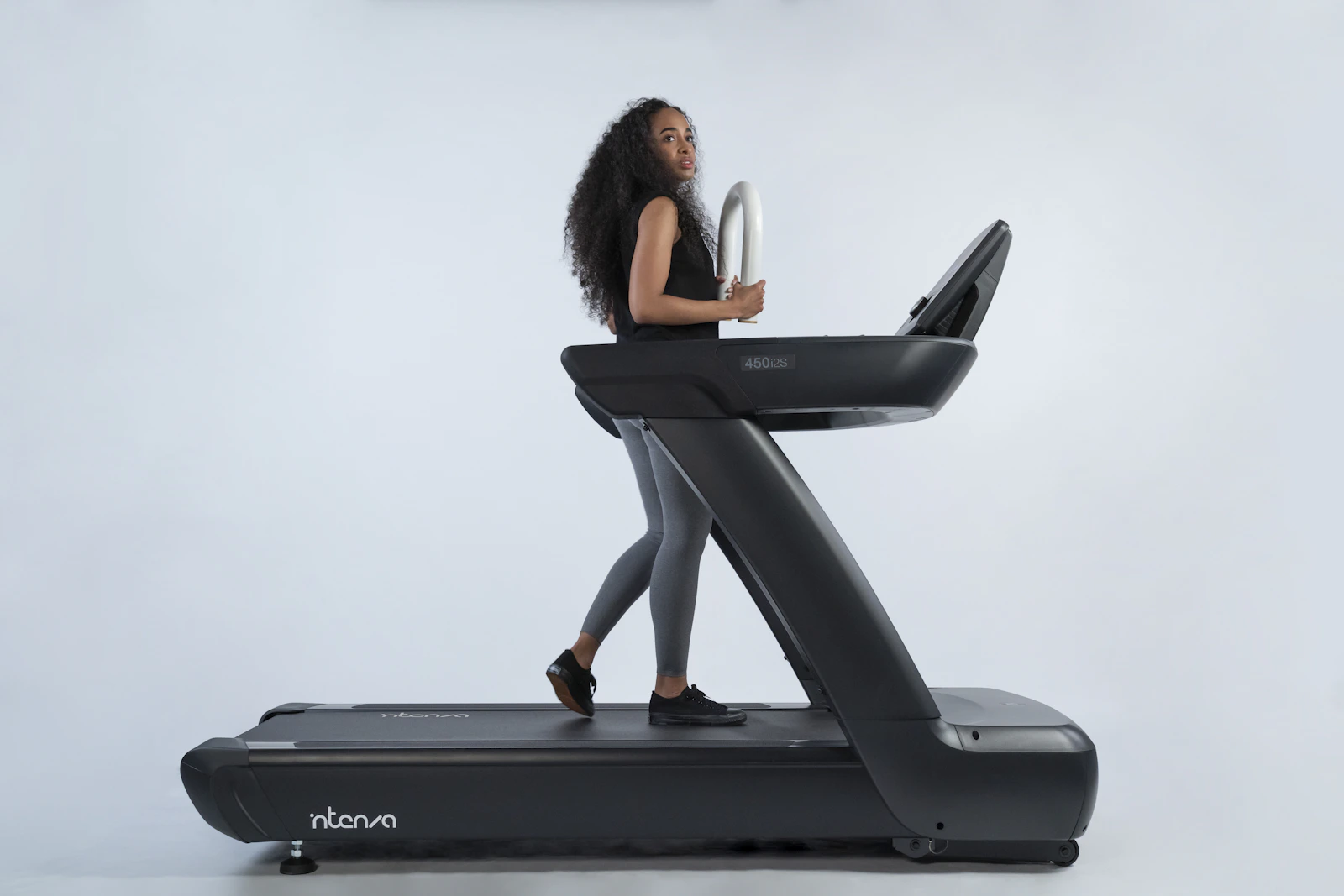
5. Check noise, vibration and floor protection
Noise is not limited to the motor. Footfalls, belt movement, rollers, frame vibration and the floor beneath the machine all contribute. A walking pad that sounds quiet in a product video may be noticeably louder in an apartment with hard floors or in a shared office. If possible, look for independent testing that measures sound under a consistent walking load. Manufacturer descriptions such as quiet motor are not a standardized noise rating.
Think about the people and rooms around you. A downstairs neighbor may hear low-frequency vibration even when the machine does not seem loud to the person walking. A shared office may require a quieter speed and a stable mat. If you plan to take calls while walking, check whether the motor and footsteps will interfere with the microphone. You may find that a slower pace is more practical for meetings than for focused, offline work.
A treadmill mat can help protect flooring and reduce some vibration, but it cannot correct a machine that is unstable or poorly assembled. Check the mat dimensions and material compatibility. The mat should lie flat and should not create a raised edge that becomes a trip hazard. Follow the manufacturer’s advice about placing the walking pad on carpet, hardwood, tile or laminate.
Clean the floor area regularly. Dust and pet hair can collect around the motor cover and belt. Follow the manual for cleaning and lubrication; do not spray lubricant onto the belt or motor without instructions. Some walking pads use a maintenance-free belt, while others require periodic lubrication. Using the wrong product can damage the belt or create a slip hazard.
6. Plan desk height and walking posture
An under-desk walking pad works only if the desk and walking surface fit together. Measure the height from the floor to the underside of the desktop, then compare it with the height of the walking pad deck and your standing elbow position. You should be able to type with relaxed shoulders and elbows without reaching upward or leaning forward. If the desk is too low, your posture may become uncomfortable even when the walking pad itself is well sized.
A sit-stand desk can make the setup more flexible, but it must have enough height range and stability. Check the desk manufacturer’s load limit and whether the desktop remains stable when raised. A desk converter may work for some setups, but it can reduce the available work surface and place the monitor at an awkward height. Measure the keyboard, mouse and monitor positions together rather than buying a converter based only on its advertised height.
Start with simple tasks. Walking while reading a document or joining an audio call may feel different from typing quickly, using a mouse precisely or reviewing detailed spreadsheets. You may need to slow down or stop walking for tasks that require fine motor control. Do not force yourself to multitask if it makes you lose balance or affects work quality.
Use a pace that allows you to remain centered and maintain a natural posture. Avoid leaning on the desk for support unless the desk is designed for that load. Do not look down at the belt continuously; set the machine up in a clear area and begin at a speed you can manage. If you feel unsteady, stop the belt and step off safely.
7. Measure storage and portability
The overall footprint is only part of the storage question. Measure the walking pad’s length, width and height, then check the weight and whether it has transport wheels. A compact unit can still be difficult to lift if the motor is concentrated at one end. If you plan to slide it under a sofa or bed, measure the clearance at the lowest point, including any feet, handle or raised control panel.
Check whether the machine can be stored vertically. Some models are designed to stand on end; others must remain flat because of their motor, lubrication system or internal components. Never store a walking pad upright unless the manual permits it. If it has folding parts, confirm that the locking mechanism is secure and that you can operate it without pinching your fingers.
Think about the route from the delivery location to the room where you will use it. A heavy package may not fit through a narrow doorway or up a tight staircase. Check delivery weight, box dimensions, assembly requirements and whether the seller offers room-of-choice delivery. A return can be difficult if the original packaging is discarded, so keep it until you have tested the machine and confirmed that it fits.
8. Separate useful features from extras
A remote control is useful when the machine sits under a desk because reaching down to the console can interrupt your stride. Check whether the remote uses replaceable batteries, whether replacement remotes are available and whether the display shows speed and elapsed time clearly. If the remote is essential to stop the belt, the manufacturer should explain what to do if it stops working.
A companion app may record steps, distance, time or estimated calories, but those numbers are not necessarily precise. Check whether the app requires an account, collects personal data or depends on a cloud service. If the machine works only when paired with a phone, consider what happens if the app is discontinued or your phone is not nearby. Basic controls that work without an app may be more reliable for everyday use.
A display can help you monitor speed and session time, but it should not distract you from your walking posture. Bluetooth speakers, preset programs and decorative lighting may be pleasant extras, but they should come after the basics: belt size, stability, speed control, safety, motor guidance and warranty. Do not pay more for a long feature list if the machine is too small or noisy for your room.
Incline, folding handles and automatic programs are worth considering only when they support your routine. A handle can improve confidence for some users, while a folding design may help with storage. Automatic programs can change speed, so make sure you understand how to stop them and whether the changes are suitable for desk walking. Simplicity can be an advantage if you want predictable, low-distraction movement.
9. Calculate warranty and total ownership cost
The total cost includes more than the checkout price. Add delivery, assembly, a suitable floor mat, any desk changes, lubrication products, replacement parts and the cost of returning a heavy machine if it does not fit. Some sellers charge restocking or return-shipping fees. Read the return policy before ordering and save the packaging until you have tested the product.
Read the warranty by component. The motor, frame, belt, electronics and labor may have different coverage periods. Check whether the warranty is limited to home use and whether using the walking pad under a desk changes the terms. A product advertised for commercial-style use may still have a residential-only warranty. Find out who pays for shipping, whether service is local and whether replacement parts are available.
Look for maintenance instructions and service access. A belt may need periodic adjustment or lubrication, and dust may need to be removed from the motor area. The manual should explain the approved products and intervals. Do not assume that every treadmill lubricant is compatible with every belt. Incorrect maintenance can cause slipping or damage and may affect warranty coverage.
A low price may reflect a short warranty, limited support or a machine designed for short sessions. That does not make it a bad purchase if your use is occasional and the specifications fit. It does mean you should compare the expected service life, repair cost and return terms before treating the discount as a bargain.
10. Choose for your room and routine
For a small apartment, prioritize a compact footprint, quiet operation, manageable weight and a storage method that the manual allows. Measure the path from storage to use, and consider whether you will realistically move the machine every day. If it is too heavy to put away, it may remain in the middle of the room and become an obstacle.
For a home office, the desk fit is as important as the walking pad. Confirm that the desk can rise high enough, that the monitor can stay at eye level and that the keyboard and mouse remain comfortable. Choose a speed range that supports the tasks you do most often. If you have many video meetings or precision tasks, you may use the machine only during simpler work blocks.
For a shared workspace, noise, vibration and safe cable management become more important. Use a stable floor surface, keep the walkway clear and agree on a speed and session routine that does not disrupt others. A mat may reduce some vibration, but it should not create a raised edge or interfere with the machine’s feet.
For users who need hand support or have balance concerns, a rail-free walking pad may not be the right product. Consider a conventional treadmill with appropriate handrails, a lower starting speed and an emergency stop. If you have a medical or mobility concern, discuss the equipment with a qualified health professional before using it. The smallest product is not always the safest one.
For outdoor walkers who want to alternate indoor and outdoor activity, choose a machine for indoor use and dress for the conditions outside. Our guide to choosing UPF sun-protection clothing explains how to compare coverage and fabric features for outdoor walks. The walking pad and outdoor clothing solve different problems, so treat them as separate purchases.
11. A practical pre-purchase checklist
- Measure the usable walking surface and compare it with your natural stride.
- Confirm the manufacturer’s maximum user weight and continuous-use guidance.
- Compare minimum speed, maximum speed and adjustment increments.
- Check how the machine starts, stops and handles a remote or safety key failure.
- Confirm the floor type, required clearance and whether a mat is recommended.
- Measure desk height, keyboard position, monitor height and leg clearance.
- Measure storage clearance and check whether vertical storage is permitted.
- Read warranty terms for the motor, frame, belt, electronics and labor.
- Check the current CPSC recall database for the exact make and model.
- Read the return policy, delivery terms and any restocking or return-shipping fees.
Do not buy until the specifications answer the questions that matter for your setup. If the listing does not state belt dimensions, continuous motor rating, session limits or warranty terms, look for the manufacturer manual or contact support. A missing specification is not proof of a defect, but it reduces your ability to compare the product fairly.
12. Frequently asked questions
Can I run on a walking pad?
Only if the manufacturer explicitly rates the model for running. Many walking pads are designed for walking and have a limited speed range, shorter belt and different frame design from a running treadmill. Do not exceed the intended use.
Are walking pads loud in apartments?
Noise varies by motor, belt, user gait, speed, floor construction and vibration control. Look for independent measurements and reviews that describe the actual room. A mat may reduce some vibration but cannot make an unstable or poorly maintained machine quiet.
How long can I use a walking pad at one time?
Follow the manual for session length, cooling periods and continuous-use limits. Some compact machines are intended for intermittent sessions rather than all-day operation. Do not assume that a high motor wattage means unlimited continuous use.
Do I need a treadmill mat?
A suitable mat can protect the floor and reduce some vibration, but check the manufacturer’s placement instructions. The mat should be flat, stable and compatible with the machine. It does not replace proper clearance or maintenance.
Can I use a walking pad under any desk?
No. The desk needs enough height and clearance for your posture, and the monitor, keyboard and mouse should remain comfortable. A fixed desk may be too low. Measure the entire setup before ordering.
Are walking pads safe for older adults?
Safety depends on balance, mobility, the model’s support features and the user’s experience. A rail-free model may not provide enough support for someone who needs a handhold. Consider a conventional treadmill with rails and ask a qualified professional if there are balance or mobility concerns.
Our verdict
The right walking pad is not necessarily the smallest or least expensive model. It is the machine whose belt fits your stride, whose speed range matches your routine, whose frame feels stable and whose safety controls are easy to use. Confirm the motor’s continuous-use guidance, user weight limit, noise, warranty and maintenance before paying.
Measure the room, desk and storage route before ordering. Check current recall notices for the exact model, read the return policy and keep the packaging until you know the machine fits. If you need handrails or more support, compare a conventional treadmill rather than assuming a compact walking pad is the best choice. A thoughtful fit check is more valuable than a long list of optional features.