A shopping wishlist can turn browsing into a more deliberate process. Instead of adding every attractive item to a cart, you save products you may want, compare them later, and decide whether they fit your needs and budget. This guide shows how to create a useful wishlist, avoid common impulse-buy triggers, and use saved items to make calmer decisions without turning the list into another source of pressure.
What a wishlist can do for you
A wishlist is a holding place for ideas, not a promise to buy. It gives you a way to save a product while you continue researching, wait for a need to become clearer, or compare alternatives. The separation between “interested” and “purchased” is valuable: it lets you keep a record without treating every click as a commitment.
Use a wishlist for items that are optional, planned for later, or difficult to compare in one session. You can add the exact model, size, colour, price you saw, seller, and date. When you return, you can check whether the listing changed and whether the product still suits you. A short note about why you saved it is often more useful than a long description.
A list can also reduce duplicate purchases. Before buying a replacement or accessory, review what you already own and what is already on your list. If several products serve the same purpose, keep the options together and compare them before checking out. The list helps you see that there is a decision to make instead of encouraging several separate purchases.
Start with a clear reason
When you save an item, write one sentence about what you want it to do. “Replace the broken charger with a compatible model” gives you a concrete test. “This looks like a good deal” does not tell you whether it solves a problem. A clear reason helps you identify when an item is no longer relevant and makes comparisons less vulnerable to advertising language.
Mark whether the item is a need, a planned want, or an idea for later. These labels are personal, and a want is not automatically a bad choice. The purpose is to make your priorities visible. A gift, hobby product, or style item can be worthwhile when you choose it intentionally and the cost fits your plan.
Set a spending ceiling or target for larger items before monitoring the list. Decide which features are essential, what price would be acceptable, and how long you are willing to wait. If an item never meets the target, revisit whether the target or the purchase still makes sense. Avoid changing your limit simply because a promotion creates urgency.
Organize the list so it stays useful
Keep your list simple. A few categories such as home, clothing, technology, gifts, and “research later” can be enough. Too many folders make it harder to review and maintain. If your platform offers tags, use a small set: planned date, size needed, or must-compare. Avoid turning the wishlist into a second product catalogue that requires daily management.
Add the details you will need later: product name, seller, model number, size, colour, total price if available, delivery estimate, and return terms. If a price is only indicative or displayed in a virtual shopping experience, label it clearly as illustrative. Do not rely on a saved screenshot as proof that a current offer remains available.
Review similar options side by side. Remove duplicates and items that no longer meet your requirements. If one option is unavailable, note that rather than immediately substituting a different product. The list should help you choose, not push you to replace every unavailable item with another purchase.
Use a waiting period for optional items
For a nonessential purchase, save the item and leave the page. Come back after enough time to think without the banner, countdown, or recommendation carousel in front of you. The pause can be an evening, several days, or another interval that fits your situation. No single waiting period works for everyone; the point is to separate your decision from the moment of exposure.
When you return, ask whether you still want the item, whether it solves the reason you wrote down, and whether a comparable product already on the list is a better fit. If the desire has faded, remove the item. If it remains important and fits your budget, you can make a more considered choice.
Do not use a waiting period to delay an essential replacement that would cause a real problem. A broken safety device, required work equipment, or a necessary household item may need prompt attention. Even then, a short comparison of the exact model, total, seller, and return conditions can help you act deliberately.
Turn saved items into a comparison
When you are ready to consider a purchase, compare the items on the list using consistent criteria. Check model, features, full checkout total, seller, delivery, warranty, and return terms. Do not assume that a lower saved price is still available. Confirm the listing directly and note whether the item is new, refurbished, bundled, or sold by a third party.
| Wishlist note | Option A | Option B | Decision question |
|---|---|---|---|
| Reason saved | Need or intended use | Need or intended use | Which option solves the actual need? |
| Full total | Item, tax, delivery | Item, tax, delivery | What amount would you pay today? |
| Essential details | Model and must-have features | Model and must-have features | Are the products truly comparable? |
| Seller and returns | Identity and conditions | Identity and conditions | Can you use the return process if needed? |
| Budget fit | Within or above limit | Within or above limit | Does it fit without borrowing or disrupting bills? |
If no option meets your requirements, keep researching or decide not to buy. A wishlist does not need to end with checkout. It can help you recognize that the product is unavailable, overpriced for your needs, or less important than another priority.
Do not let price alerts control the list
Price alerts can be useful when you have already decided to purchase a specific product and have a reasonable target. But an alert only tells you that a tracked amount changed. It does not prove the reference price was accurate, the product is right, or the seller is reliable. Confirm the exact model and complete checkout total before acting.
Set alerts only for items you genuinely intend to buy. Turn off notifications for products that are merely interesting. Too many alerts create repeated prompts to shop and make it harder to distinguish a useful update from marketing. Review the notification settings and the tracker’s privacy practices before connecting an account.
Do not treat a sale as a deadline if your need is flexible. If the item is within budget and suitable, you can choose it. If you would not buy without the discount, remove it from the list or leave it for later. A price drop is not a reason to change a planned decision into an unplanned one.
Use a wishlist without oversharing
Some lists are private; others can be shared for gift ideas. Before sharing, check who can see the list, whether it exposes your name or address, and whether the link can be forwarded. Share only with people who need it. Remove personal notes or details that are not relevant to the gift recipient.
When you create a public or group list, avoid including sensitive information such as account numbers, order details, or a home address unless the platform clearly requires a delivery destination and you understand who can see it. Use the platform’s privacy controls and review them when the list changes purpose.
Keep account security in mind. A wishlist account may contain saved addresses, preferences, or purchase history. Use a unique password and available sign-in protections. If you stop using the service, remove saved payment details and adjust sharing settings through the official account interface.
Common wishlist mistakes
Saving everything: A list full of unreviewed items becomes another browsing feed. Save products with a reason and review them periodically.
Confusing a sale with a need: Use the note and budget you set before the offer appeared.
Forgetting the full price: Recheck tax, delivery, fees, and subscription terms when you return.
Keeping duplicate options: Group comparable products and remove versions that do not meet your needs.
Ignoring seller terms: A saved product may have changed seller, availability, or return conditions.
Letting alerts create urgency: Turn off reminders that do not support a planned decision.
Frequently asked questions
Does a wishlist help reduce impulse buying?
It can, when it creates a pause between noticing an item and purchasing it. Save the product with a clear reason, then review it later against your needs and budget. A wishlist that sends constant alerts or encourages immediate checkout may have the opposite effect.
How often should I review my wishlist?
Choose a regular interval that suits how often you shop, such as once a week or once a month. Remove duplicates, items that no longer interest you, and listings that have changed. You do not need to check the list daily unless a specific planned purchase requires it.
Should I delete items that are no longer on sale?
Not automatically. Recheck the current price and decide whether you would still buy the item at that amount. If it no longer fits your target or budget, wait or remove it. A higher price does not make an item more valuable, and a discount does not make it necessary.
Can I share my wishlist safely?
Usually, if you understand the platform’s sharing and privacy settings. Check who can access the list and whether it reveals your name, address, or other account information. Share only what is needed for the intended purpose.
What should I write beside a saved product?
Record why you want it, the exact model or size, a price target, and any must-have features. You can also note the seller, delivery, and return conditions when you are comparing options. Keep the notes short enough that you will actually review them.
Make the list serve your decision
A shopping wishlist works best when it stores considered options rather than every passing temptation. Give each item a reason, a budget limit, and enough detail to compare it later. Pause before optional purchases, verify current terms, and remove items that no longer belong on the list. The final decision can be to buy, wait, choose another option, or spend nothing.
Browse the Winomax shop for illustrative virtual finds and read the online shopping guide for a broader set of product-comparison steps. Virtual prices are illustrative unless a page explicitly describes a real purchase.
Set a review routine and clear old entries
Choose a time to review the list when you are not already shopping. A weekly or monthly review lets you delete duplicates, update price notes, and decide whether an item still fits your plans. If a product has been on the list for a long time without becoming important, remove it or move it to an “ideas for later” folder. The list should reflect current priorities, not preserve every impulse from the past.
Check whether the saved listing still points to the same seller and exact product. Online product pages can be updated, variations can change, and a listing may be unavailable. Compare the current model number and details with what you originally saved. If the product has changed, make a new entry and do not rely on an old review or price note that refers to a different version.
Use a short status label if you are shopping for a specific date. “Researching,” “waiting,” “ready to compare,” and “removed” are enough for most lists. Avoid adding elaborate scoring systems unless they genuinely help you choose. A simple status keeps the list from becoming a complicated project that you abandon after a week.
Make gifting simpler without creating pressure
A shared list can help friends and family choose a gift, but it should offer ideas rather than obligations. Include a range of optional items and avoid wording that makes one particular product seem required. If a product is a preference rather than a need, say so. A thoughtful gift does not need to match a saved item exactly.
Check whether the list can be viewed without creating an account and whether the recipient can mark items as purchased without revealing the buyer. Some platforms may show more information than expected. Review the privacy controls before sending the link, and remove items that expose personal details or an address you do not want others to see.
For a group gift, agree on the amount and who will coordinate before anyone buys. Keep a note of the selected item so two people do not purchase the same thing. If an item becomes unavailable, choose a substitute only if the recipient’s need or preference is still met; do not replace it automatically with a more expensive version.
When a wishlist becomes a shopping trigger
Some retail platforms use saved items to send reminders, recommendations, and price notifications. These features can be helpful when you are tracking a planned purchase, but they can also bring products back to your attention after you decided not to buy. If reminders create pressure, disable them or use a private note outside the store. You can keep the product information without allowing the retailer to prompt you repeatedly.
If you notice that maintaining a list leads to more browsing rather than better choices, simplify it. Save only items tied to a current need or a clear budget. Remove recommendations that you did not actively select. A wishlist should make your next decision easier; if it makes you feel that you must buy something, take a break and revisit your priorities without the retailer’s page open.
Consider separating short-term needs from long-term ideas. A replacement item you need this month can sit in a current list, while a hobby product for a later occasion can wait in a separate folder. This prevents a long-range idea from competing with a current
When you decide to buy, remove or mark the item so it does not remain an active prompt after checkout. Record the final seller and total if the purchase is important to your plan. If you decide against it, remove it without treating that choice as a failure; the list helped you make a decision before spending. Review the remaining entries at your next planned interval rather than reopening the shop each time you think of the product.
For a virtual shopping experience, label saved prices as examples when they are illustrative. Keep simulated carts separate from real orders and explain clearly whether a user will be charged. A wishlist can support exploration without creating confusion about
Remove expired links, outdated prices, and items you no longer want. A clean list makes the useful choices easier to spot and keeps old promotions from prompting a purchase that no longer fits.payment or implying that a discount is guaranteed.essential
Build a shopping wishlist that helps you decide
- Add a product to your shopping wishlist only after checking your needs.
- Use a shopping wishlist to compare the exact model and total price.
- Set a waiting period before buying an item on your shopping wishlist.
- Review your shopping wishlist weekly and remove products you no longer need.
- Record the intended price beside each shopping wishlist item.
- Use a shopping wishlist to avoid duplicate purchases at home.
- Check the return terms before moving a shopping wishlist item to cart.
- Keep your shopping wishlist private if it includes personal plans.
- Compare quality and durability for each shopping wishlist choice.
- Use your shopping wishlist to prioritize purchases within your budget.
For an official reference, read this consumer guidance.
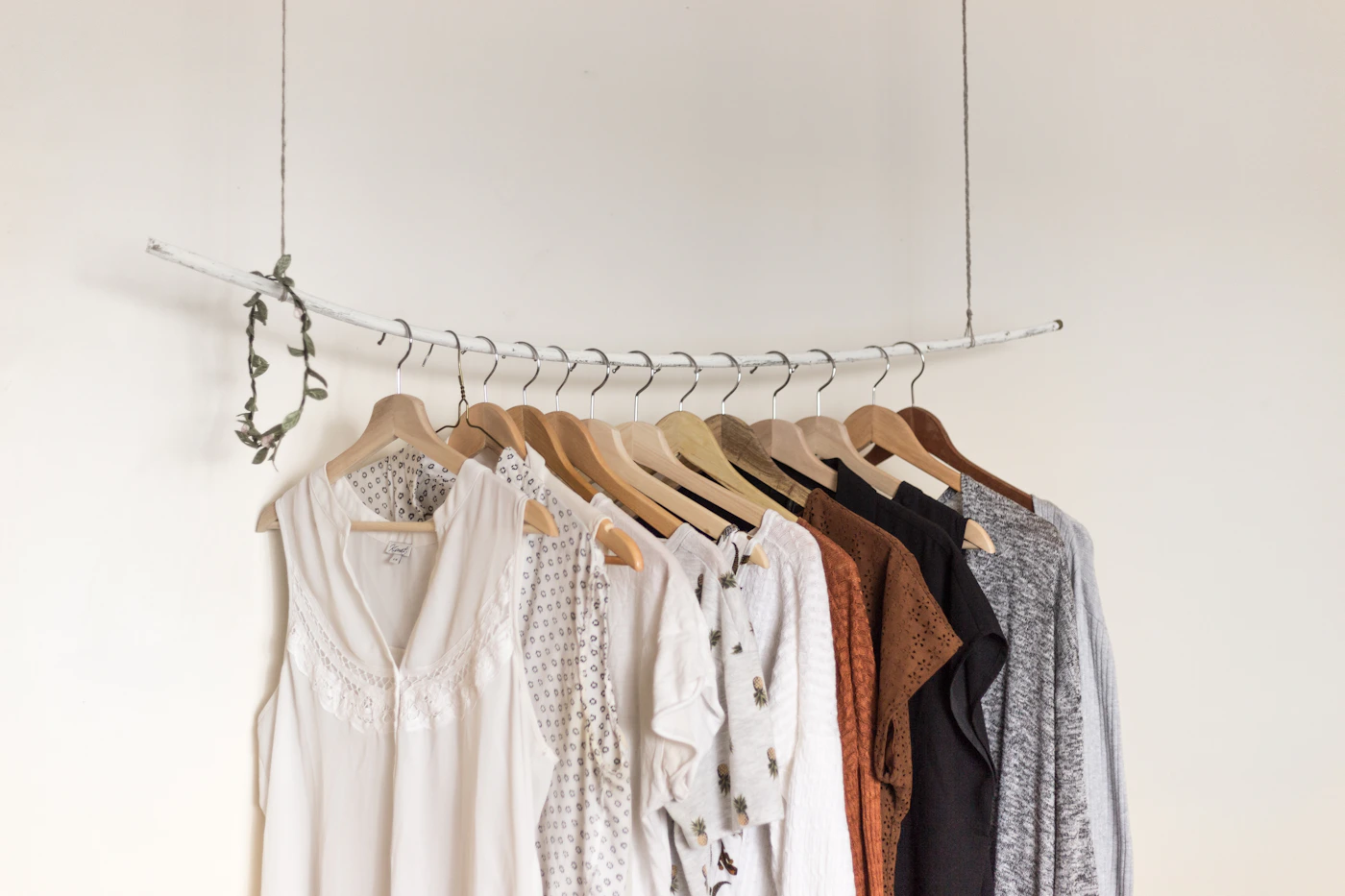
and makes it easier to see what actually requires a decision.
Before checkout, review the shopping wishlist again and make sure each shopping wishlist choice still fits your needs and budget.